
Android 10.0
7 ″ RGB 1024*600
A133 1.6GHz Cortex A53 4 core 64bit
2GB
16GB
1x1
1 Balanced Output (Source-selectable Output Signal)
0-30 dB 1dB step
Hypercardioid
20Hz~20kHz(0/-0.6 dB)
+13dBu
-40dB (1V \ 1 Pa)
48 kHz
≤0.003%(1kHz,A-weighted)
≥104dB
≥104dB
≥103dB
≤-91dBu(1kHz,+13dBu A-weighted)
600Ω
12V DC or PoE (IEEE 802.3af) power supply
260x155x65mm (No microphone included)
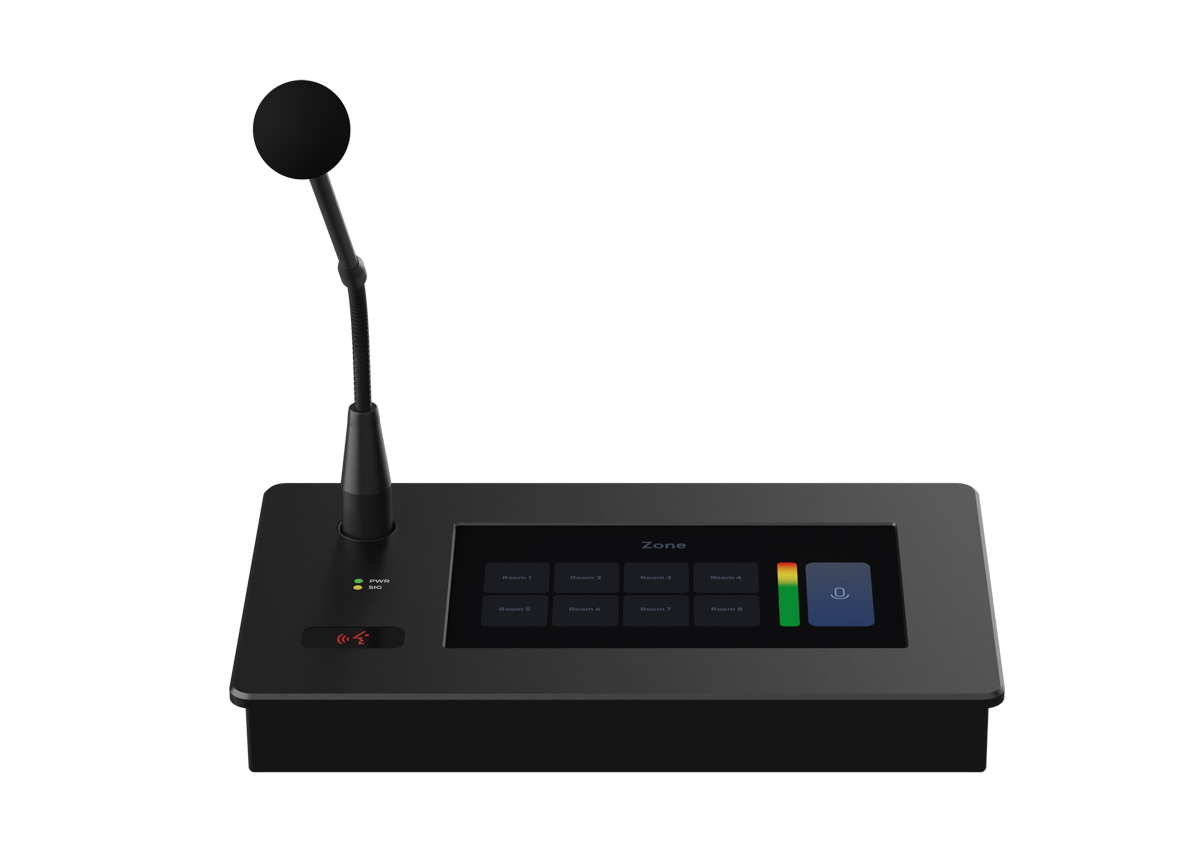
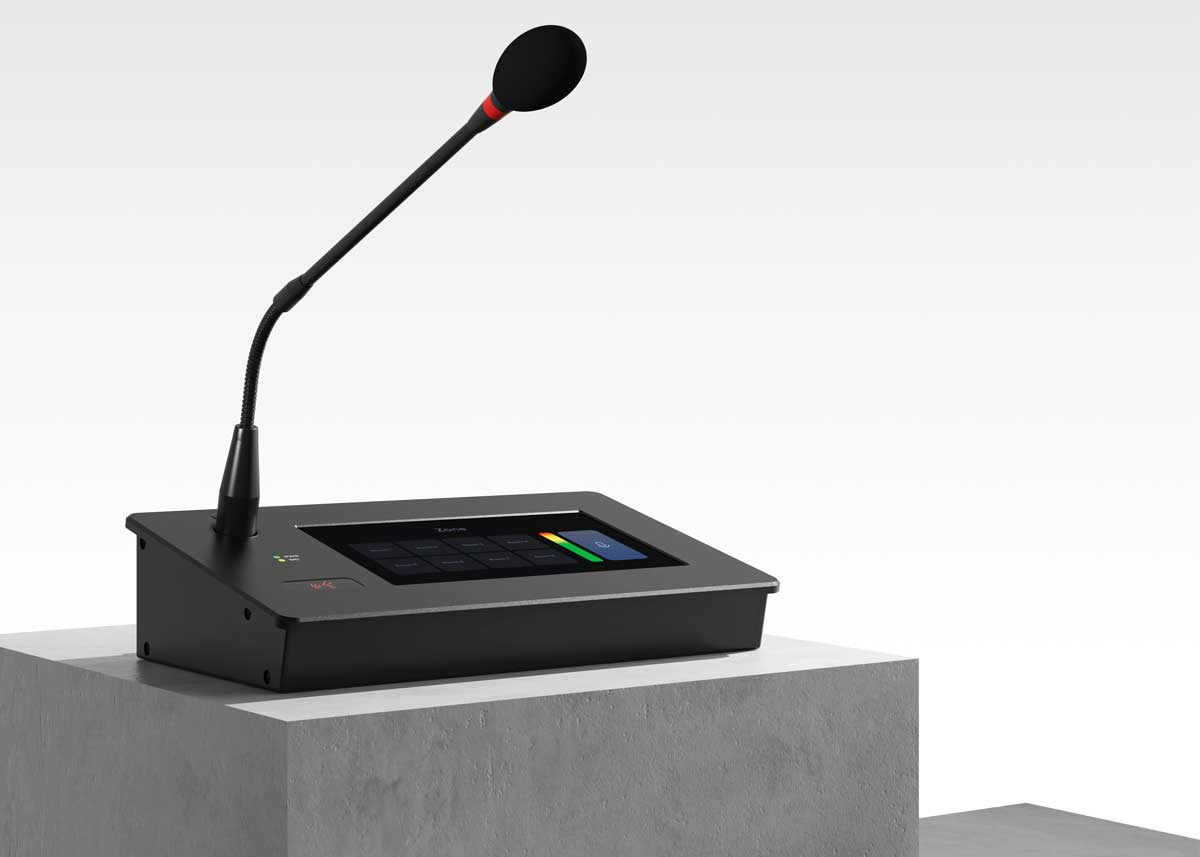
7-inch Android touch screen
The built-in 7-inch Android touch screen serves as an intuitive control interface. Users can design personalized user interfaces based on the processor and easily import them into the system. It supports Web browsers and user interface APP applications to achieve convenient control and detection operations.
Built-in microphone pre-amp
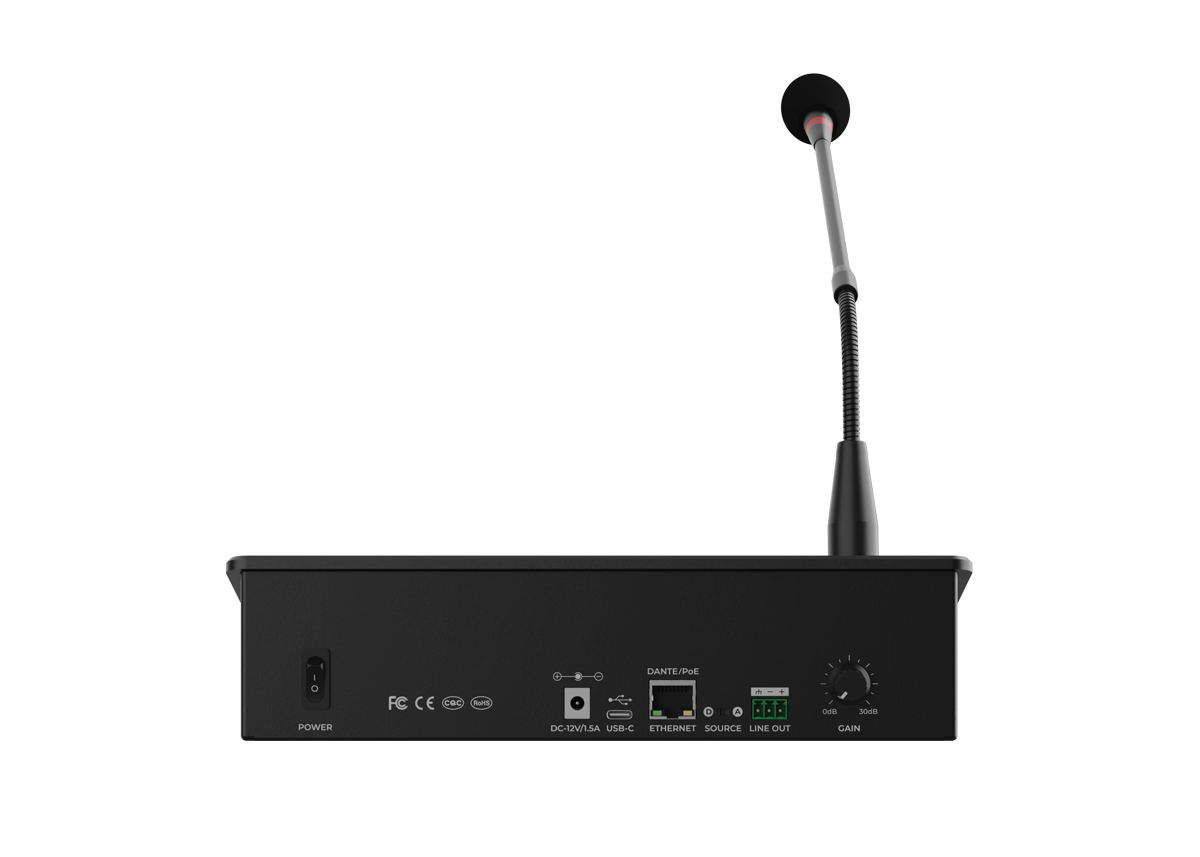
Each unit is equipped with a condenser gooseneck microphone, which can be installed in the paging station and powered by 48V phantom power. The back panel is equipped with a 0-30dB microphone pre-amp gain knob, which can adjust the volume to the appropriate level according to the signal indicator of the front panel.
Digital transmission
Supports Dante transmission, the microphone signal can be transmitted to the other device through the Dante for routing. It can be used as a professional paging microphone when working with a processor. Meanwhile, the remote signal can be transmitted to the analog output interface of the paging device through Dante, which can be used for monitoring.
Support switching signal output type
The Source dial on the back panel can flexibly switch between analog or digital signals. In A (Analog) position, the microphone signal is output from the analog line out on the back of the station; when switched to D (Digital) position, it can be output as a digital signal through Dante, and the analog interface can be output as a Dante receiving signal.
Power sequencer and POE dual power supply
It supports 12V DC power supply and PoE power supply. You can flexibly choose the power supply method according to actual needs. It can also supply power at the same time and be used as the main and backup power supply functions.
Dual-mode paging
Mode 1: When the microphone is paging, press and hold the microphone button to speak.
Mode 2: Triple-tap to enter the lock mode, and you can speak without pressing the button, freeing your fingers. Press the button again to restore to the press-to-speak mode.



 English